


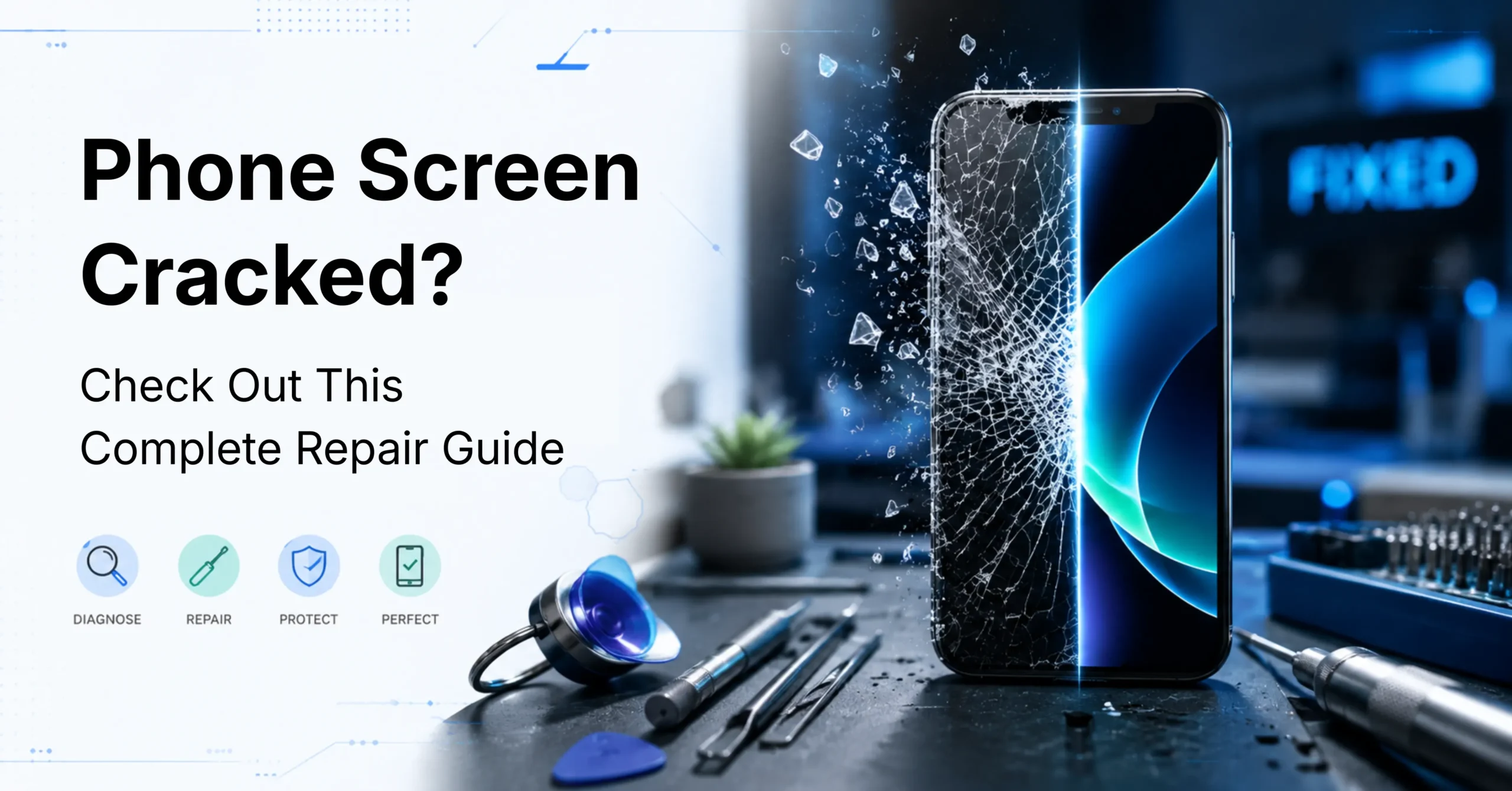
A cracked phone screen is one of the most common and disruptive device accidents that we experience. Whether the damage occurred from a drop, a knock, or an impact at an awkward angle, the steps taken immediately afterwards can make a significant difference to both the outcome and the repair cost.
This guide covers everything you need to know: how to assess the damage, protect your data, evaluate repair options, and make an informed decision about whether to repair or replace your device.

Modern smartphones are engineered to be increasingly thin and lightweight — a design priority that comes at the cost of structural resilience. Manufacturers use chemically strengthened glass, such as Corning Gorilla Glass, which offers excellent scratch resistance but is susceptible to fracturing under sudden impact stress.
When a phone is dropped, the glass flexes on contact with the surface. If that flex exceeds the material's tolerance threshold, the glass shatters. The thinner the device, the less capacity it has to absorb impact energy.
The most common causes of screen damage:
Before swiping, tapping, or placing the phone back in your pocket, take a moment to carefully evaluate the extent of the damage. Not all screen cracks are equal, and understanding what you are dealing with will determine your next steps.
Run through the following checks:
If the phone powers on, displays a clear image, and touch remains fully functional, the damage is most likely limited to the outer glass layer — a more straightforward and cost-effective repair.
If you can see dark spreading patches, white horizontal lines, flickering, or sections of the display that have gone black, this indicates damage to the LCD or OLED layer underneath, which involves a different and typically more expensive repair.
Key statistic: Research by SquareTrade found that approximately 66% of cracked phone screens involve only the outer glass. The remaining third involve deeper damage to the display panel — and it is this category where repair costs increase significantly.
Understanding the structure of a modern phone screen is important when assessing damage. A smartphone screen is made up of two distinct components:
It is entirely possible to crack the outer glass while leaving the display panel intact. However, if the panel itself has been damaged, the repair scope and cost changes considerably.
Signs of LCD or OLED panel damage include:
When speaking with a repair technician, ensure they clearly identify which layer is damaged before quoting. Glass-only repairs and full panel replacements are priced differently, and a reputable technician will always be transparent about this distinction.
Practical tip: In a darkened room, shine a torch at a low angle across the screen. If the crack appears deep rather than surface-level, the display panel beneath may be compromised.
This is the single most important step in this guide, and the one most frequently overlooked.
A cracked screen can deteriorate without warning. Additional pressure, moisture entering through the crack, or a minor secondary impact can cause the display to fail entirely. If this occurs before a backup has been completed, data recovery can cost hundreds of dollars — with no guarantee of success.
How to back up your device right now:
Ensure your photos are separately backed up through Google Photos or iCloud Photos, as these are typically the files of greatest personal value and the most difficult to recover if lost.
The backup process takes less than five minutes. There is no justification for skipping it.
A cautionary example: A customer arrived at a repair shop with a cracked, water-damaged iPhone. By the time she reached the technician, the display had failed completely. With no functioning screen, the device could not be unlocked to authorise a data transfer. Years of family photos — including children's school events and a holiday to Stewart Island — could not be recovered. Do not allow this to happen to you.

This is one of the most common questions following screen damage. The honest answer is that it depends on the extent of the damage — but continued use without protection carries real risks.
Physical risks:
Functional risks:
Can a screen protector be applied over a cracked screen?
Yes — and it is strongly recommended as a short-term measure. A tempered glass screen protector or clear adhesive tape applied over the crack holds glass shards in place, reduces the risk of injury, and buys time before a professional repair can be arranged. This is not a permanent fix, but it prevents the damage from worsening in the interim.
This step is particularly relevant if you are using a second-hand device. A prior screen replacement affects the cost of future repairs, warranty eligibility, and the quality of parts available to a technician.
Indicators that a screen has previously been replaced:
A professional technician should identify and disclose any previous repair work before providing a quote.

Repair is typically the right choice when:
Replacement may be worth considering when:
DIY screen repair kits are widely available online and can appear cost-effective at first glance. However, it is important to understand what a self-repair actually involves before proceeding.
Modern smartphones contain delicate connectors, adhesive seals, and calibration systems that are easily compromised during disassembly. A single mistake during a DIY repair can void your warranty, damage additional components, and result in a more expensive outcome than a professional repair would have cost.
DIY repair may be appropriate when:
Professional repair is always recommended for:
For most users, a professional repair is the safer and more cost-effective option. A qualified technician will complete most screen repairs within an hour, use quality-graded parts, and provide a warranty on their work.

Whether you are based in Invercargill, Auckland, or anywhere else in New Zealand, the following criteria will help you identify a trustworthy repair provider:
At Phone Parts & Accessories, we supply quality OEM and aftermarket screen components for a wide range of iPhone, Samsung, Google, and other Android devices. Whether you are a professional repair technician sourcing parts, or an end user looking to understand your options, our team is here to assist.
Get a quote today through our website to fix your broken screen at the best price!
Q: Is it safe to use a phone with a cracked screen in wet conditions?
Rain and moisture can enter through screen cracks and cause internal corrosion, particularly to the motherboard and battery. Apply a screen protector as a short-term barrier and arrange a professional repair promptly.
Q: Can a cracked screen lead to other phone problems over time?
Yes. Moisture and dust entering through the crack can damage internal components including the charging port, battery, and motherboard. What begins as cosmetic screen damage can escalate into a non-functional device if left unaddressed.
Q: Does phone insurance cover cracked screens in New Zealand?
Most comprehensive phone insurance policies in New Zealand cover accidental screen damage.
Q: How long does a professional screen repair take?
For common iPhone and Samsung models, most professional repairs are completed within 30 to 60 minutes. Less common or older models may require parts to be ordered, which can extend the timeframe — another reason to act promptly after damage occurs.
Q: What should I do if the screen goes completely black after the crack?
Do not assume the device is non-functional. A blacked-out screen may still indicate a working phone with a failed display. Plug the device in to charge to confirm it is still powering on, and contact a repair technician as soon as possible. Acting quickly improves the likelihood of a full recovery.

Get everything you need for your phone repairs in one convenient place. Plus, take advantage of expert installation services and exclusive perks for new customers—including free shipping!

Register now to get latest updates on promotions & coupons. Don’t worry, we not spam!
By subscribing you agree to our Terms & Conditions and Privacy & Cookies Policy.


Get everything you need for your phone repairs in one convenient place. Plus, take advantage of expert installation services and exclusive perks for new customers—including free shipping!