
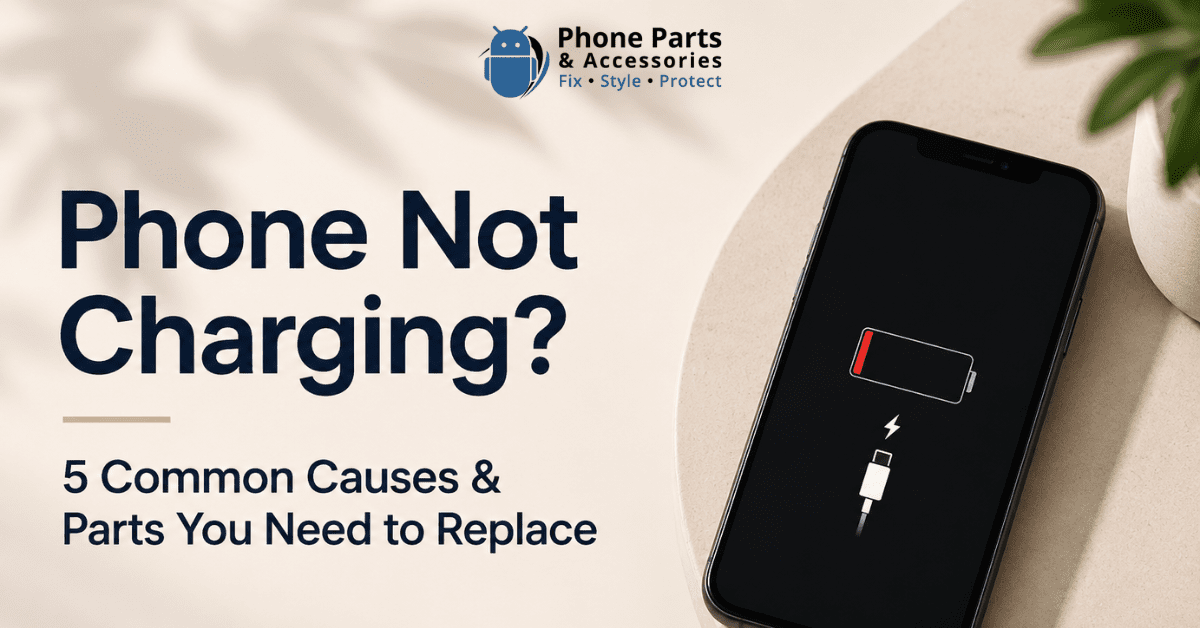
Frustration sets in when you stick your phone in to charge, and it doesn't work. From slow charging to a sporadic connection, to the device just giving out, charging issues are the most common of smartphone problems.
The good news is that the cause isn't always serious. A lot of times, you may have dust or lint that got into your charging port and is causing your phone to charge poorly.
But it could also be something more complicated, like a worn-out battery, a damaged charging port, or even faults related to the motherboard. Understanding the issue you're dealing with is the first step in finding the right solution.
In this guide, we will go over the 5 most common causes of a phone not charging, how to identify each of these issues, and which components may need to be replaced for your device to charge normally again.
Charging problems do not always mean your phone has died. Often, the signs are small and develop gradually.
Common symptoms include:
If you notice any of these signs, it usually means something in the charging process is being interrupted.
A dirty charging port is one of the most common reasons a phone stops charging properly. Because smartphones are carried in pockets, bags, and backpacks every day, dust, lint, and other debris can gradually build up inside the charging port. Over time, this can cause the charging cable to not make a clean connection with the charging pins.
Signs of a dirty charging port:
Quick Fix: Turn off your phone and clean the port with a soft brush or a wooden toothpick. Stay away from metal objects, which may damage the pins.
Part to Replace: If cleaning the port doesn't help, the charging port assembly may need to be replaced. Phone Parts NZ has a large selection of replacement charging ports and repair tools for many popular smartphone models.

Before you assume there is an issue with your phone, try to check the charging cable. Cables we use every day are subject to constant bending, twisting, and pulling. Over time, that wear and tear may damage the internal wires, causing power to not reach your device reliably. A defective charging cable is often the easiest and most affordable issue to fix.
Signs of a damaged charging cable:
Quick Fix: Try using another working cable. If your phone charges normally, the old cable is the problem.
Part to Replace: Replace it with a USB-C, Lightning, or Micro-USB cable depending on your phone model.
At times, the issue is with the adapter and not the cable. The adapter transfers power from the wall to your phone, and if it fails, your device won't charge properly. Chargers wear out over time due to power surges, overheating, internal faults, or physical damage. Low-quality chargers also fail faster and cause unstable charging.
Signs of a faulty charger or power adapter:
Quick Fix: Test with another charging brick known to work. If your phone charges normally, you've found the problem. Also try the original adapter with another device to confirm.
Part to Replace: Replace with a wall adapter, USB-C fast charger, PD charger, or wireless charger. Phone Parts NZ offers reliable charging accessories for most phone models.
Sometimes charging issues are not caused by hardware but by software problems. Phones use software to control charging, battery health, and power flow, and a small bug can affect this process even when everything else is working fine.
Signs of a software-related charging problem:
Quick Fix: Restart your device and install any available updates. On Android, try Safe Mode to check if an app is causing the issue. If charging works after that, it was a software problem.
Part to Replace: In most software-related cases, no parts need replacing. If issues persist after a restart, update, and testing different chargers, the problem may be in the battery, charging port, or another hardware component.
Water and electronics don't go well together, and even a small amount of moisture can stop your phone from charging. While many phones have water-resistant features, they are not fully waterproof. Moisture can enter the charging port, trigger safety protections, or cause internal damage.

Signs of water or moisture damage:
Quick Fix: Turn off your phone, unplug the charger, and let it air dry completely. Avoid heat sources like hair dryers or ovens.
Part to Replace: Persistent issues may require replacing the charging port, charging flex cable, or other internal components. Phone Parts NZ provides replacement charging ports and repair tools for corroded or damaged ports.
If basic troubleshooting fails, look at which component is at fault. Different charge issues typically point to a specific part.
| Problem | Replacement Part |
|---|---|
| Damaged cable | Charging cable |
| Faulty charger | Power adapter |
| Broken charging port | Charging port assembly |
| Water damage | Charging flex cable |
| Battery degradation | Battery |
| Motherboard issue | Charging IC / PMIC |
In many cases, the fix is simple — like replacing a cable or charger. But more serious issues like port, battery, or motherboard faults may need internal repairs. If you're not sure what's causing the issue, start with the easiest and cheapest fixes before moving to complex repairs.
If you have tried everything at home and your phone still isn't charging, there is likely an internal hardware issue that requires professional diagnosis and repair.
The most common deeper faults include:
If any of these issues are present, DIY fixes usually don't work and may make the problem worse. Professional diagnosis is the best next step. Phone Parts NZ provides a range of charging ports, batteries, and phone repair components to get your device back up and running.

Get everything you need for your phone repairs in one convenient place. Plus, take advantage of expert installation services and exclusive perks for new customers—including free shipping!

Register now to get latest updates on promotions & coupons. Don’t worry, we not spam!
By subscribing you agree to our Terms & Conditions and Privacy & Cookies Policy.


Get everything you need for your phone repairs in one convenient place. Plus, take advantage of expert installation services and exclusive perks for new customers—including free shipping!